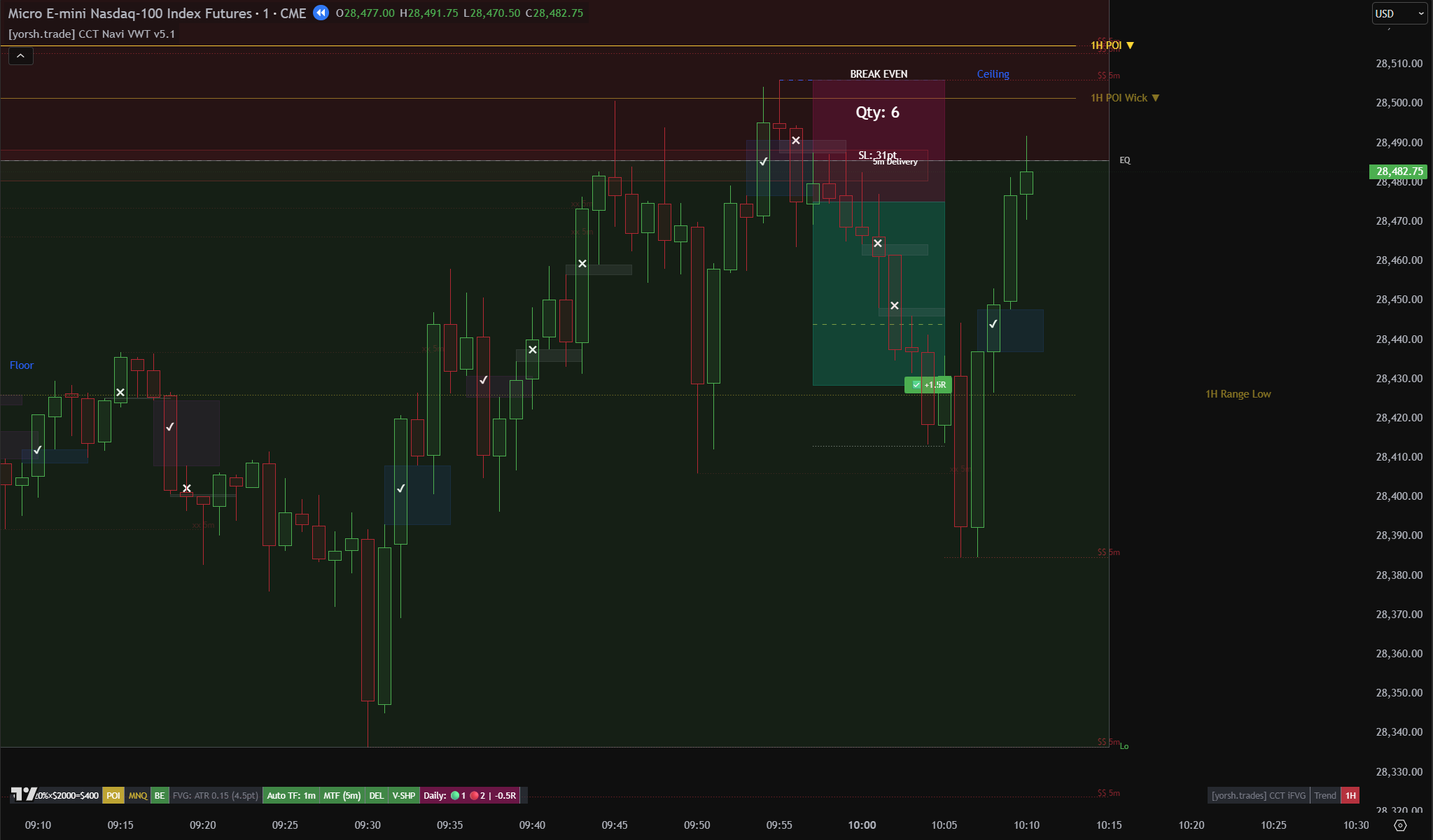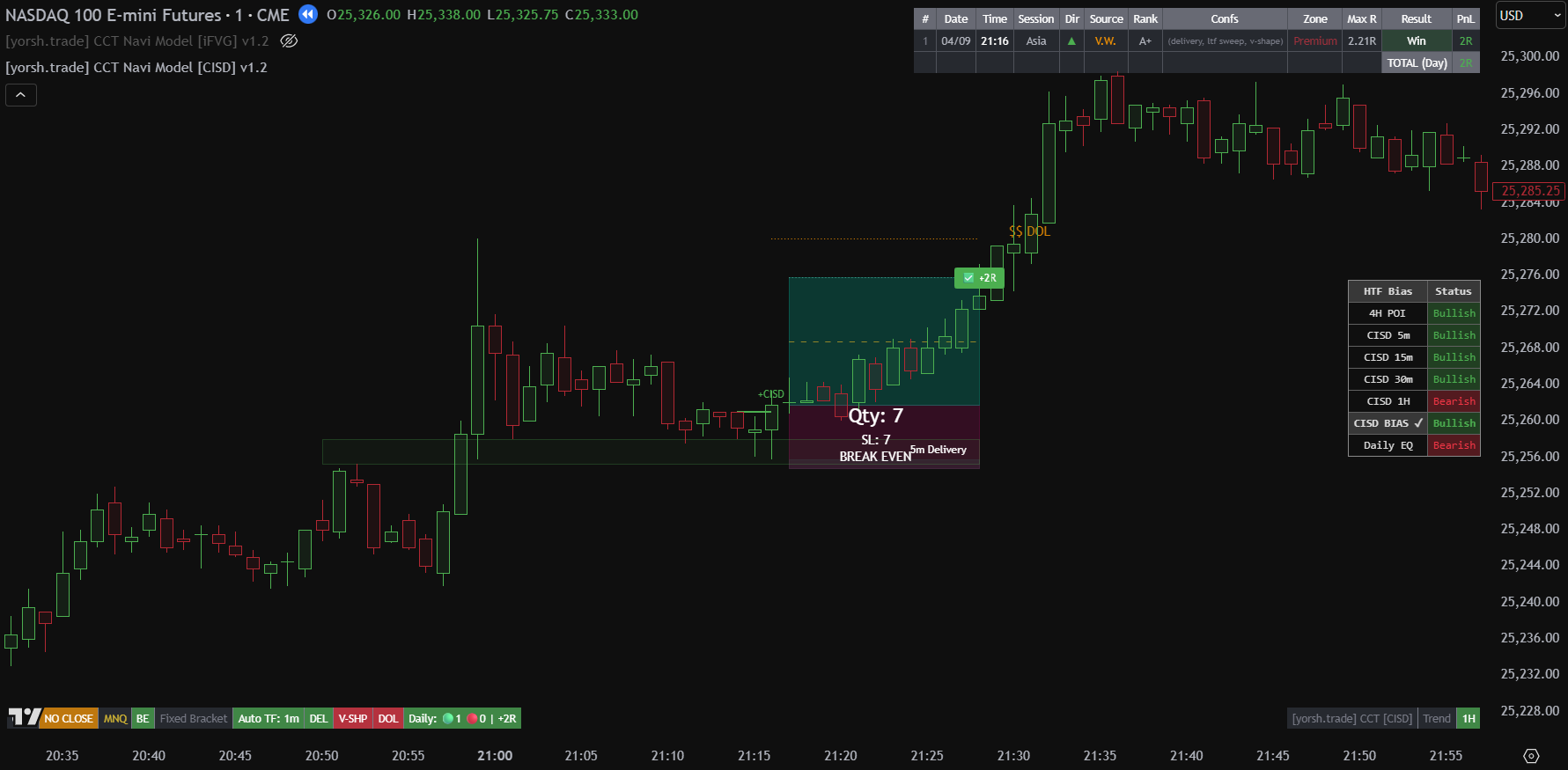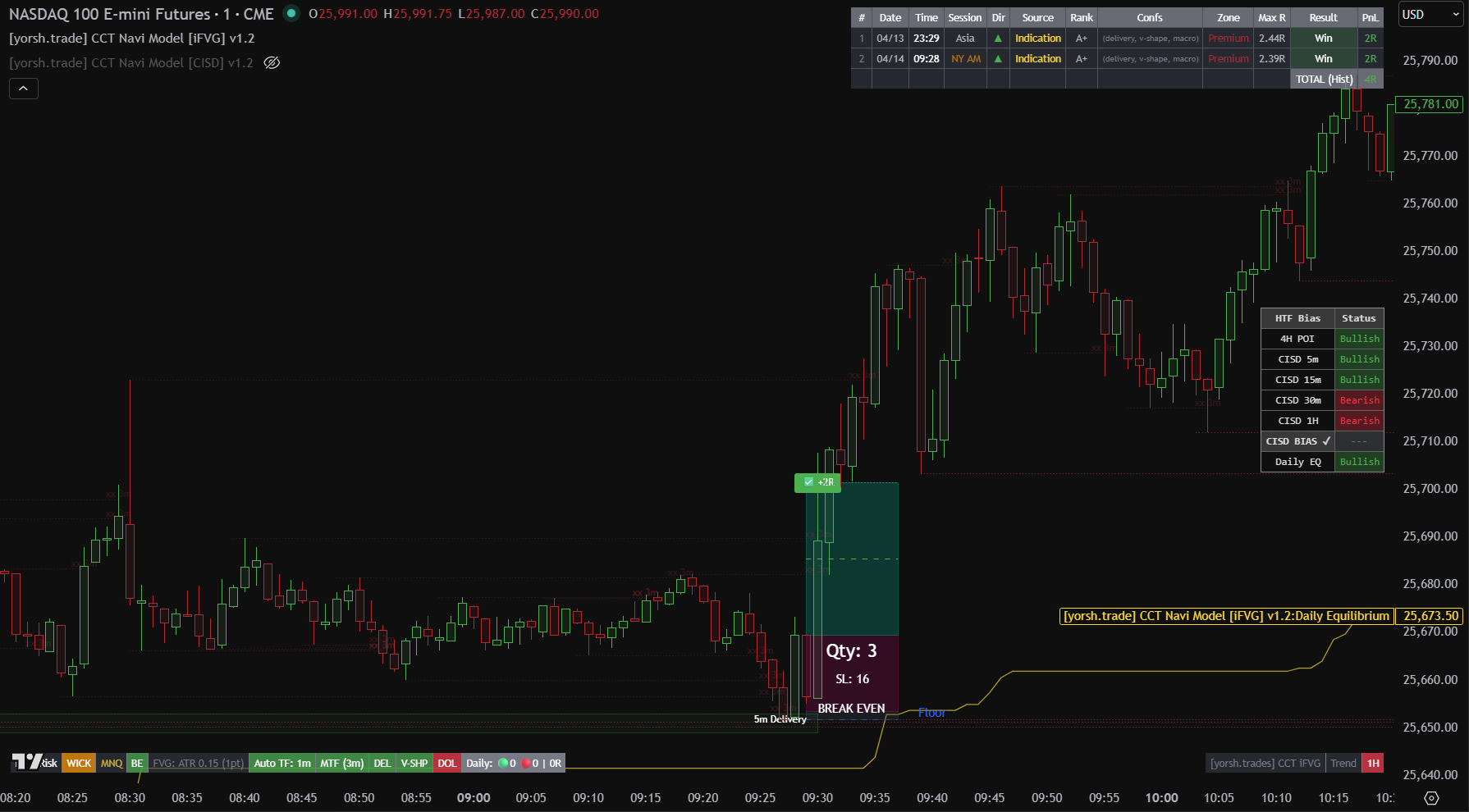
Don't be glued to the screen 24/5. Let the indicators alert you, then decide if the setup is worth taking.
- Premium TradingView bundle, based on the CCT trend framework + ICT entry triggers (iFVG or CISD).
- Bundle Includes: Three indicators: Navi [VWT 5.0], Navi [CISD] and Navi [iFVG].
- Designed for CCT traders with ICT background; intermediate/advanced.
- Best Assets: Multi-asset (Futures, Forex).
- Best Timeframes: 1m–5m intraday, session-aware.
- Skill Level: Intermediate/Advanced - requires CCT + ICT knowledge
- NEW - Full webhook alerts integration (JSON). Automate trade execution with TradingView webhook alerts, firing at your favorite alerting service. Works with the following providers: TradersPost, CrossTrade, Copilink, PineConnector, TradingRouter, XAutoTrade and more.
Get it now!
Monthly and Annual plans include 48 hours free trial
What it does
CCT ICC tells you where the market is going – the swing direction, the trend, the draw on liquidity. The Navi Model tells you exactly when and where to enter inside that move, during the current intraday session.
The Navi Model bridges two methodologies. It uses the CCT trend engine as its macro filter, then validates intraday entries using ICT concepts – an Inverted FVG (iFVG version), a Change in State of Delivery (CISD version), or the newest Navi VWT 5.0. The result is a hybrid approach that benefits from both worlds.
Session-awareness is built in. The indicator knows which session you’re in (Asia, London, NY AM/PM) and filters setups accordingly. You don’t watch the screen – you wait for an alert, open your chart, and decide whether the setup meets your criteria.
Three Versions - One Model
This bundle includes all three versions. They share the same trend engine and filter logic. The only difference is how entries are triggered.
Navi [VWT 5.0]
Navi [CISD]
Navi [iFVG]
Key features
-
CCT Trend Engine
Higher-timeframe trend filter auto-matched to your chart timeframe. Only takes entries aligned with the macro CCT direction. -
MTF Delivery Confluence
Up to 5 configurable delivery timeframes (default: 5m, 15m, 30m, 1H). Setups only trigger when price lands inside a delivery zone. -
Intermediate Fractal Sweep Filter
Requires a fractal level to be swept before entry. Ensures liquidity has been taken before your trade triggers. -
Session Filters
Enable or disable trading during specific sessions: Asia, London, NY AM, NY Lunch, NY PM. Full control over when the indicator is active. -
Break-Even Automation
Automatically moves stop-loss to entry when price reaches 1R profit. Protects gains without manual intervention. -
Daily Risk Limits
Set max daily win and loss in R. The indicator locks out new trades once limits are hit. -
Live Settings Panel
Bottom-of-chart status bar shows active filters at a glance: trend direction, delivery status, session, asset mode, daily PnL recap. -
NEW - TradingView Webhook Alerts
A TradingView webhook notifies your external app when an alert is triggered. Instead of manually checking charts, our indicator can automatically send data via an HTTP POST request (JSON) to a URL you provide. Works with the following apps/providers: TradersPost, CrossTrade, Copilink, PineConnector, TradingRouter, XAutoTrade and more.
Who it's for
The CCT Navi Model is for traders who use CCT ICC for their macro analysis and want a systematic intraday execution tool that respects that framework. It’s not beginner-friendly, you need to understand both CCT and basic ICT concepts to use it effectively.
The key benefit is time freedom. You’re not watching tick by tick. The indicator monitors the market, checks all confluence conditions, and only alerts you when a valid setup forms within your defined parameters. You review, decide, execute.